
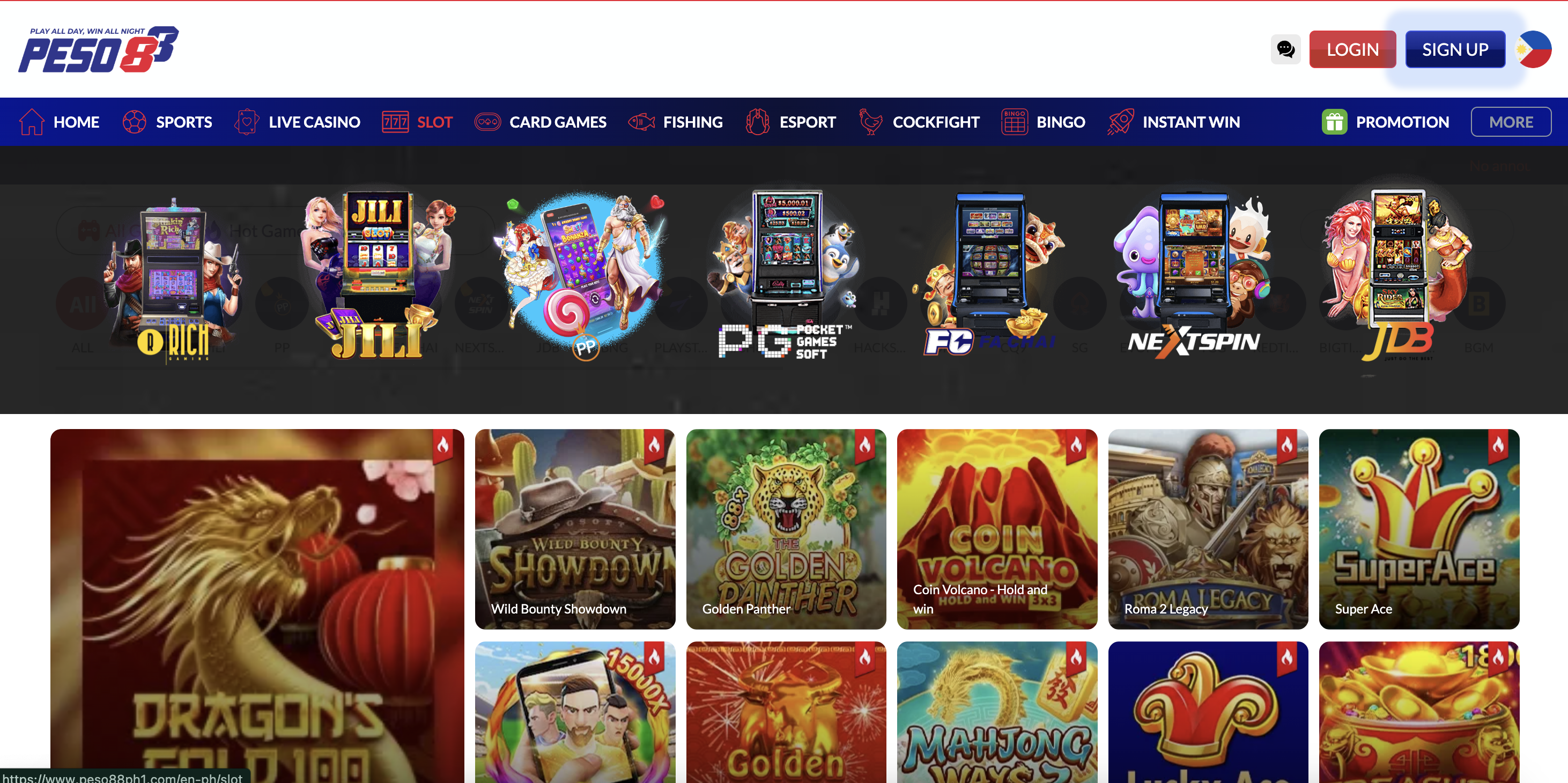
You’re in the mood to play, you log in to Peso88, pick your favourite slot, tap “Play”… and nothing happens. The screen stays blank, the loading circle spins forever, or the game closes before the reels even appear. Your internet looks fine and other apps seem okay, but the slot just refuses to load.
For many online casino players in the Philippines, this is a familiar (and very frustrating) experience. The good news is that in most cases the problem is not permanent, and you can often fix it yourself in a few simple steps.
This guide walks you through:
- What actually happens behind the scenes when a slot game loads
- The most common reasons slots don’t load in the Philippines
- Practical checks you can do on your device, browser, and connection
- How to tell if the issue is on your side or on the casino / provider side
- When it’s time to contact support and what to tell them
By the end, you’ll have a clear troubleshooting flow you can follow every time a slot gets stuck before it even starts.
What Happens When an Online Slot Loads
Understanding the basic loading process makes it easier to see where things can go wrong.
When you tap a slot from the lobby, several quick steps happen in the background. Your browser or app sends a request from your device (phone, tablet, or PC) to the casino’s servers. Those servers then talk to the game provider’s servers (for example, Pragmatic Play, PG Soft, or others). The provider sends back the game files and instructions needed to run the slot on your device. Your browser or app then downloads scripts, images, and configuration data, and finally draws the reels and interface on your screen.
All of this usually happens in a few seconds. For it to work smoothly, you need:
- A stable connection between your device and the internet
- A browser or app that can correctly load the game files
- Enough free memory and storage on your device to run the game
- Fully working servers on the casino and provider side
If any link in that chain is weak or broken, the result is what you see: a slot that hangs on “Loading…”, stays black, or closes suddenly.
Start with the Basics: Is It Just One Game or Everything?
Before you start changing settings, it helps to find out how wide the problem is.
Try loading a different slot from the same provider, then a slot from another provider, and finally another feature such as live casino or the main lobby. If:
- Only one specific slot fails to load while others open fine, the issue may be temporary with that particular game or provider.
- Every slot from the same provider fails, but games from other providers work, it could be a provider-side issue or a regional block affecting players in the Philippines.
- Nothing in the casino loads properly, including the lobby and account pages, then your connection, browser/app, or device is more likely to be the cause.
This quick check takes less than a minute and already gives you a sense of where to focus.
Check Your Internet Connection First
Many slot loading problems in the Philippines come down to simple connectivity issues.
Even if you see signal bars or the “4G/5G” icon, your connection might be unstable or too weak to load heavy game assets. Slots often need to download multiple megabytes of images, sounds, and scripts the first time you open them.
If you are on mobile data, move to an area with better reception, such as near a window or outside. If possible, try switching between mobile data and Wi‑Fi. Sometimes your home Wi‑Fi is congested because several family members are streaming or gaming; in that case, mobile data might respond faster. The opposite can also be true: a weak data signal may fail where Wi‑Fi handles the game easily.
It’s also worth checking if other apps that rely on live data — for example YouTube or social media — feel slower than usual or buffer a lot. If they do, your network may be the bottleneck, and the best solution is simply to wait for a better moment, move to a stronger signal area, or restart your router.
If you use a VPN, try disabling it temporarily and then loading the slot again. Some VPN servers are slow, and some game providers restrict certain IP ranges for regulatory reasons, which can prevent games from loading correctly.
Make Sure Your Login Session Is Healthy
Sometimes slots won’t load because your login session has silently expired or the system is unsure about your identity.
If you have been idle in the lobby for a long time, the casino might log you out in the background for security reasons. In that situation, a game request may fail even though the lobby still appears on screen. A simple way to test this is to log out manually and log in again with your username and password, then try opening the slot from a fresh session.
If you are logged into the same account on multiple devices at once, some casinos restrict which device can actively play games. Signing out from unused devices and keeping only one active session can prevent confusion and loading issues.
Whenever you see unusual messages about “session expired”, “token invalid”, or sudden returns to the lobby, it is often a sign that a clean logout and login cycle will help.
Browser and App Problems: Outdated or Overloaded
Your browser or casino app is the “bridge” between your device and the games. If that bridge is old or overloaded, slots may fail to load even though your internet connection is fine.
If you are playing on a browser, make sure it is reasonably up to date. Older versions of Chrome, Safari, Edge, or Firefox sometimes struggle with newer game code, especially when it comes to HTML5 slots. Updating your browser to the latest version can instantly solve odd loading behaviour.
Running many browser tabs at once also drains memory. If your device has limited RAM, the system may quietly kill the slot process before it finishes loading. Closing unused tabs and background apps gives the game more room to run. On lower-end phones, it helps to open only Peso88 and nothing else while you play.
If you are using a dedicated casino app, check whether an update is available in the App Store or Google Play. An outdated app may not communicate correctly with new games or security systems. Installing the latest version ensures compatibility.
For issues that seem related to page data rather than software version, consider refreshing your browser storage. We have a separate detailed guide on this at Clear Cache to Fix Game Loading, but in short, clearing cached files and restarting your browser gives it a clean slate to load slot resources properly.
Device Performance: Storage, Battery and Heat
Modern video slots can be surprisingly demanding on a phone, especially when they use elaborate animations or 3D effects. Your device needs free storage, free memory, and a comfortable temperature to keep everything running.
If your phone or tablet is almost full, the system may not have enough temporary space to store downloaded game assets. Deleting unused photos, videos, or apps can free up space. Aim to keep a healthy margin of free storage rather than running at 95–99% capacity all the time.
Low battery and overheating can cause the operating system to limit performance or shut down heavy tasks. If you notice that your phone is hot or the battery is at a critical level, give it time to cool down and charge before launching slots again. Playing while charging in a hot environment can push the device beyond what it can comfortably handle, especially in the Philippine climate.
You might also notice that slots load fine right after a reboot but struggle later in the day. That’s often because background apps and processes accumulate over time. Restarting the device once in a while clears out that clutter and gives slots more resources to work with.
Game Provider and Maintenance Issues
Not every problem is on your side. Sometimes, the slot or provider itself is experiencing technical difficulties.
Game providers occasionally perform maintenance or release updates. During these windows, games may fail to load, kick players back to the lobby, or briefly disappear from the casino list. Casinos usually try to schedule such work during off-peak hours, but time zones mean Philippine players might still feel the impact.
If only one provider’s games are failing while everything else works, or if you see a message mentioning “maintenance” or “game unavailable in your region,” there is a good chance the issue lies with the provider, not your device. In that case, there is little to fix from your side; the best options are to switch to another game temporarily or wait until the provider finishes its work.
Sometimes, regulatory or licensing changes mean that certain titles are not available in the Philippines for a period of time. When a game is restricted, it may show an error instead of a normal loading screen. If the casino has announced changes in available providers or regions, check those notices to see whether your favourite slot is affected.
When Slots Load but Immediately Freeze or Crash
There is a difference between slots that never start loading and slots that appear briefly, then freeze or close.
If a game starts to appear — you see part of the interface or a splash screen — and then the app or browser suddenly closes or jumps back to the lobby, the cause is often related to memory, device performance, or a software bug.
Try this sequence:
- Close all other apps, restart the casino app or browser, and try the slot again.
- If it still crashes, restart your device completely and test once more.
- If the crash happens every time with that one game but others run normally, the problem may be an incompatibility between that game version and your device model or OS version.
At that point, consider contacting support and include the game name, your device model (for example, “Android, Samsung A12” or “iPhone 11”), and your OS version. Providers often fix these issues in later updates once enough reports come in.
A Practical Troubleshooting Flow for Philippine Players
When a slot refuses to load, use this simple step-by-step approach:
- Test whether other slots and games load. If they do, the issue is likely limited to that game or provider.
- Check your connection by loading another data-heavy app, switching between Wi‑Fi and mobile data, and ensuring your signal is stable.
- Log out of your casino account, close the app or browser, and log back in from a fresh session.
- Update your browser or casino app if an update is available, then restart your device to clear memory issues.
- Ensure you have enough free storage space and your phone is not overheating.
- If cached data seems to be the culprit, follow the cache‑clearing guide and try again.
Only after you have worked through these steps and the problem remains should you assume it might be on the casino or provider side. At that stage, taking a short break, trying a different provider, or contacting support is the best use of your time.
When and How to Contact Support
If slots continue to fail after you have checked your connection, restarted, updated, and followed the usual fixes, customer support can help — and clear details make their job easier.
When you contact support, try to share:
- The name of the slot that won’t load and the provider, if known.
- Whether other games load normally or if everything is affected.
- Your device model and whether you are on Android, iOS, Windows, or Mac.
- Whether you are using a browser (and which one) or the Peso88 app.
- A rough timeline: when the problem started and whether it began after an update or device change.
- Steps you’ve already tried, such as switching networks, clearing cache, or restarting.
Screenshots of the loading screen or any error messages are extremely helpful. To reach us, visit Contact Peso88.
Final Thoughts: Keep Your Setup Healthy for Smooth Spins
Slots that don’t load are frustrating, but for most players in the Philippines the cause is usually a mix of everyday factors: a shaky connection, an overloaded browser, a phone that needs a restart, or a provider doing quiet maintenance.
By understanding how online slots load, keeping your device and apps up to date, and following a simple troubleshooting flow, you can solve most issues without stress. And if something is beyond your control, you’ll know how to describe it clearly to support so they can help quickly.
Once everything is running smoothly again, remember that a great gaming session is also about playing responsibly and keeping an eye on your limits. See Play Responsibly: Peso88 Tips for practical advice.